Automation you can see instead of guessing
Who gets which request, when the widget speaks up, what happens after the chat — as a blueprint on a canvas that you test before it meets real visitors.
Included from Growth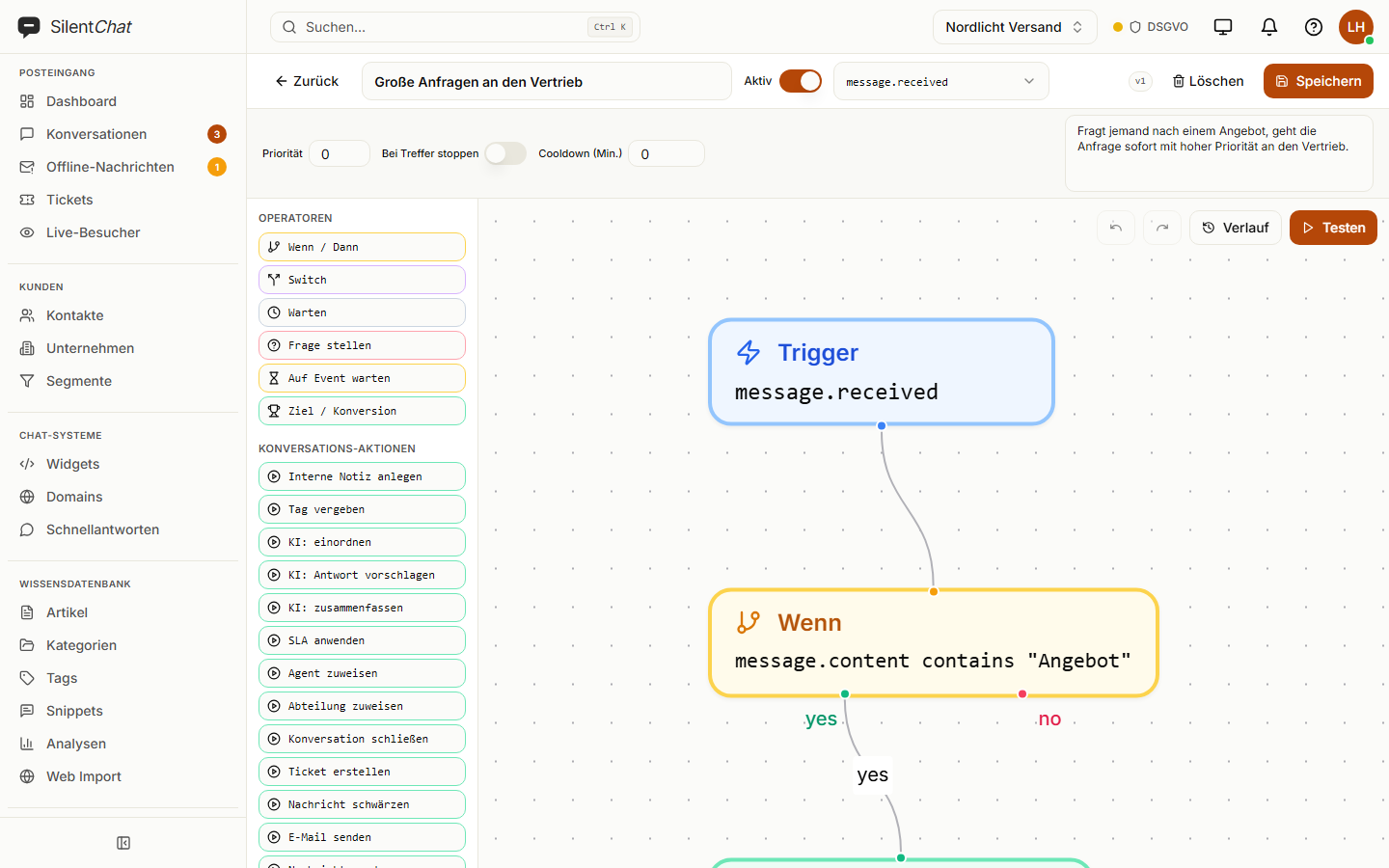
In short
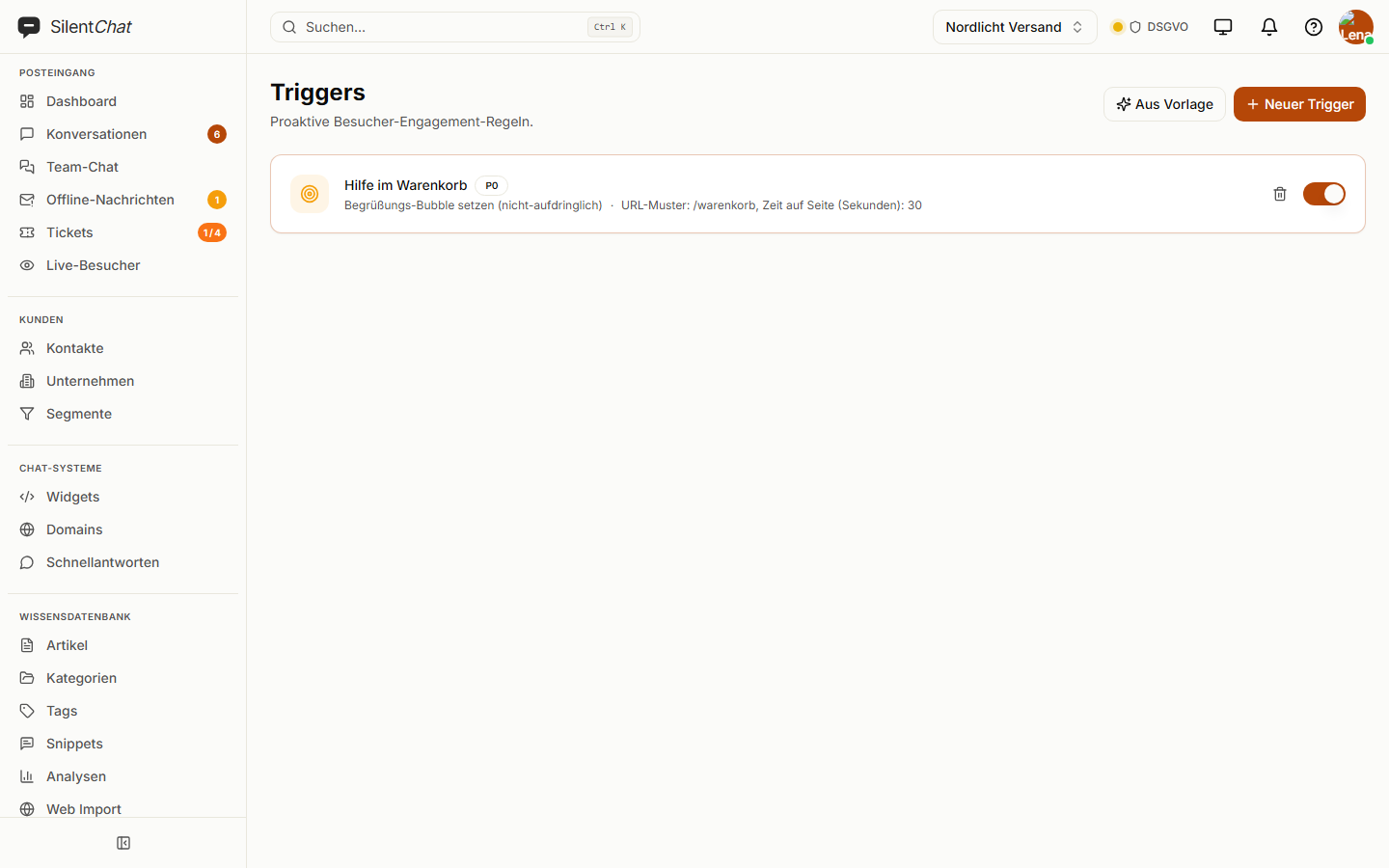
SilentChat automates customer service on three levels: workflows in a visual editor react to conversations and tickets, for example with assignment, priority, email or webhook. Triggers make the chat widget reach out on its own, for example after time on a page. The rule-based bot answers fixed questions without any AI.
How a workflow runs
An event occurs
A new conversation, a message, a ticket changes status — ten triggers to choose from.
Conditions are checked
Yes/no branches, switches, delays and questions back to the visitor.
Actions run
Assign, set priority, create a ticket, send an email, call a webhook — 25 actions.
What it takes off your team's plate
Sorting by hand
Requests mentioning “quote” reach sales with high priority, without anyone forwarding them.
Chasing things up
A ticket goes unanswered? A workflow reminds, escalates or sets a deadline.
The same answers over and over
Opening hours, shipping costs, address: the rule-based bot answers without using up any quota.
What it looks like
Workflows
A visual editor with 21 templates for common cases, each adjustable. AI steps summarise conversations, classify them or suggest a reply.
Included from GrowthTriggers
The widget speaks first: after time on the page, on a specific page, past a scroll depth, after several page views or on a return visit — with a message, an opened window or a greeting.
Included from StarterRule-based bot
Fixed rules by keyword, exact wording or pattern, in your order of priority. If you like, a rule hands over straight to a person.
Included in every planData protection and automation
Workflows and triggers run on SilentChat's servers in Germany. AI steps use the same language model as the AI chatbot, on IONOS in Germany.
Webhooks send data only to addresses you enter yourself, and every delivery carries a signature your system can use to verify where it came from.
Read more in: Sub-processors · Developer documentation · All facts at a glance
Frequently asked questions
A workflow reacts to events in conversations and tickets and works in the background. A trigger controls the chat widget on your website, for example a greeting after 30 seconds.
No. The rule-based bot uses fixed rules by keyword, exact wording or pattern and uses no AI quota.
Yes. The test run plays the workflow against a test conversation and shows which nodes would have fired, without anything happening.
Up to 200 nodes. There are 21 templates for common cases, adjustable at every node.
A trigger on leaving the page is not currently available. Triggers react to time on page, address, scroll depth, number of page views and return visitors.
Goes well with
Last updated: 23 September 2026
Start with a template
21 workflow templates and 10 trigger templates — adjust, test, switch on.