One API for everything you see in the dashboard
Conversations, contacts, tickets and knowledge base — read and write from your ERP, your CRM or your own script.
In short
SilentChat offers a REST API with more than 400 endpoints for your account — conversations, contacts, tickets, knowledge base and settings. API keys can be read-only or also write. Webhooks report events such as new conversations or contacts to your systems with a signature, and there is a dedicated plugin for WordPress.
How data flows between systems
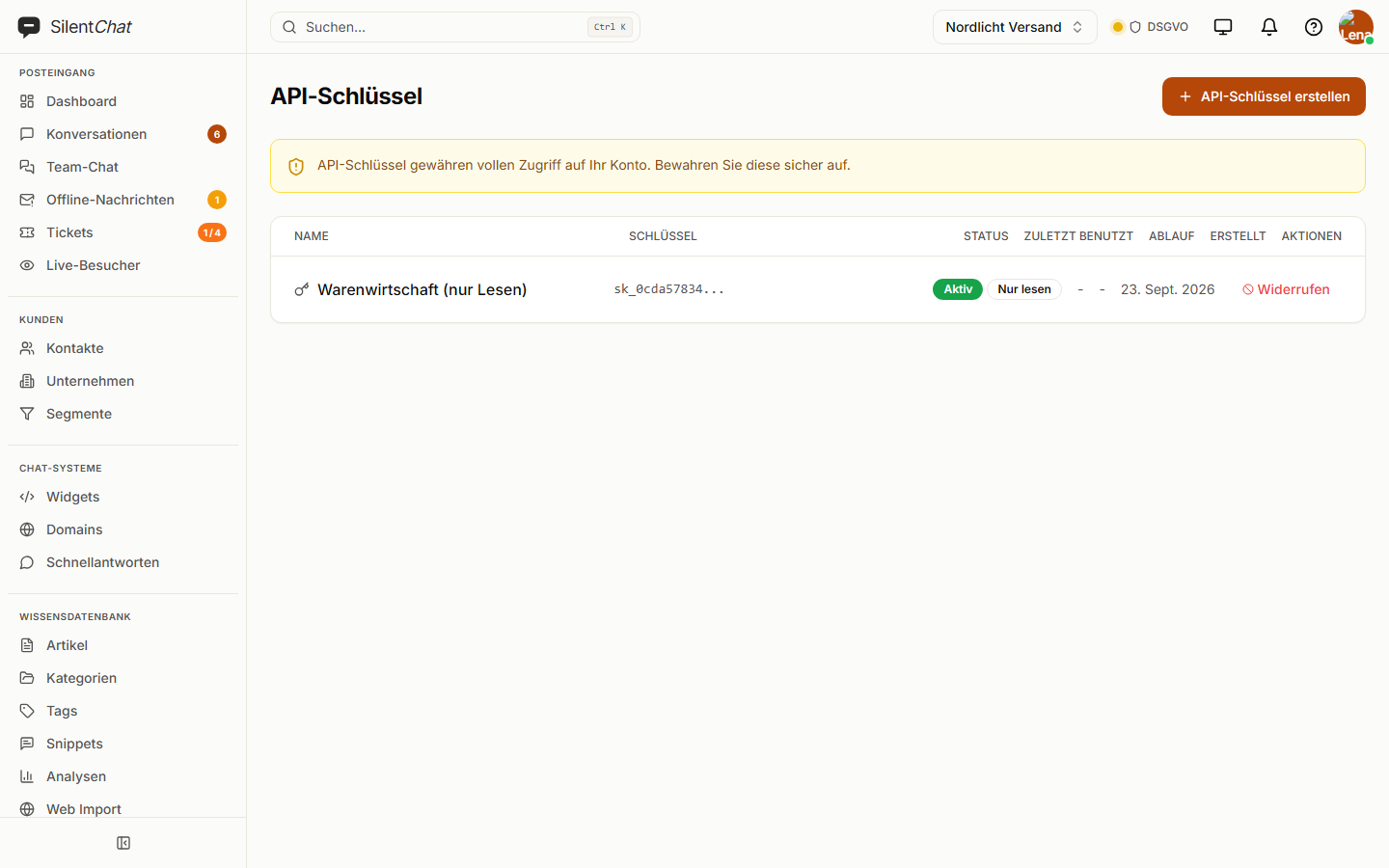
Create a key
Read-only or read and write — the role's permissions apply on top.
Call the API
REST and JSON, described in the developer documentation.
Receive events
Webhooks report new conversations, messages and contacts to your address, with a signature.
What it takes off your team's plate
Retyping between systems
New contacts land in your CRM via webhook instead of being copied over by hand.
Worrying about permissions that are too broad
A key for your ERP may read — it cannot write.
Tinkering with the WordPress theme
The plugin adds the widget, hides it on specific pages and, if you like, loads it only on click.
Webhooks
Eleven events — new, assigned, transferred and closed conversations, new messages, visitors, contacts and team changes. Every delivery carries an HMAC-SHA256 signature.
WordPress plugin
Enter the widget key, done. Hide on individual pages or paths, load only on click, and a shortcode for links that open the chat.
Guided onboarding
A workshop in which we go through widget, knowledge base and rules together — until the first real conversation is running.
Enterprise onlyData protection for interfaces
The API runs on SilentChat's servers in Germany. Webhooks send only to addresses you enter yourself; with the signature, your system checks that a delivery really comes from SilentChat.
New API keys are read-only by default. SilentChat stores only a checksum of the key, never the key in plain text.
Read more in: Developer documentation · Technical and organisational measures · All facts at a glance
Frequently asked questions
The monthly call quota depends on the plan and grows with it; on Enterprise it is unlimited. The numbers are on the pricing page.
Every delivery carries an HMAC-SHA256 signature over the body in the X-Webhook-Signature header. Your system recomputes it with the webhook's secret and discards anything that doesn't match.
Yes, and every new key is set up that way. A key with write access has to be created explicitly; the role's permissions apply on top.
Yes. It adds the widget with your widget key, hides it on selected pages and can load it only on click.
No, not currently. For such systems, use the REST API and webhooks; for Shopify stores, the embed snippet in the theme is enough.
Goes well with
Last updated: 23 September 2026
Connect SilentChat with your systems
Create a key and see what the API can do in the developer documentation.