The ticketing system attached right to the chat
Not every question is done in five minutes. Then the conversation becomes a ticket — with a deadline, an owner and the whole history behind it.
Included from Starter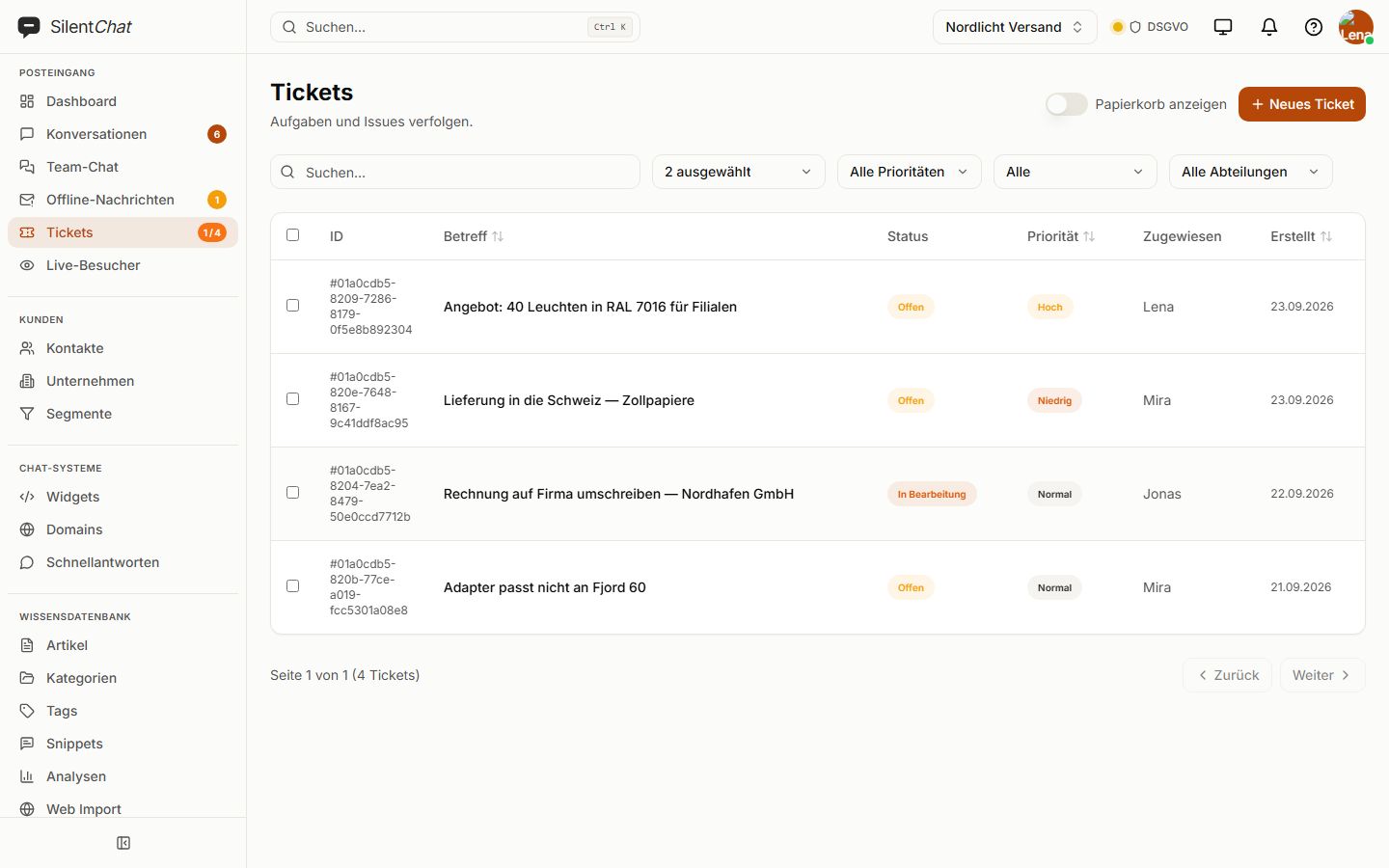
In short
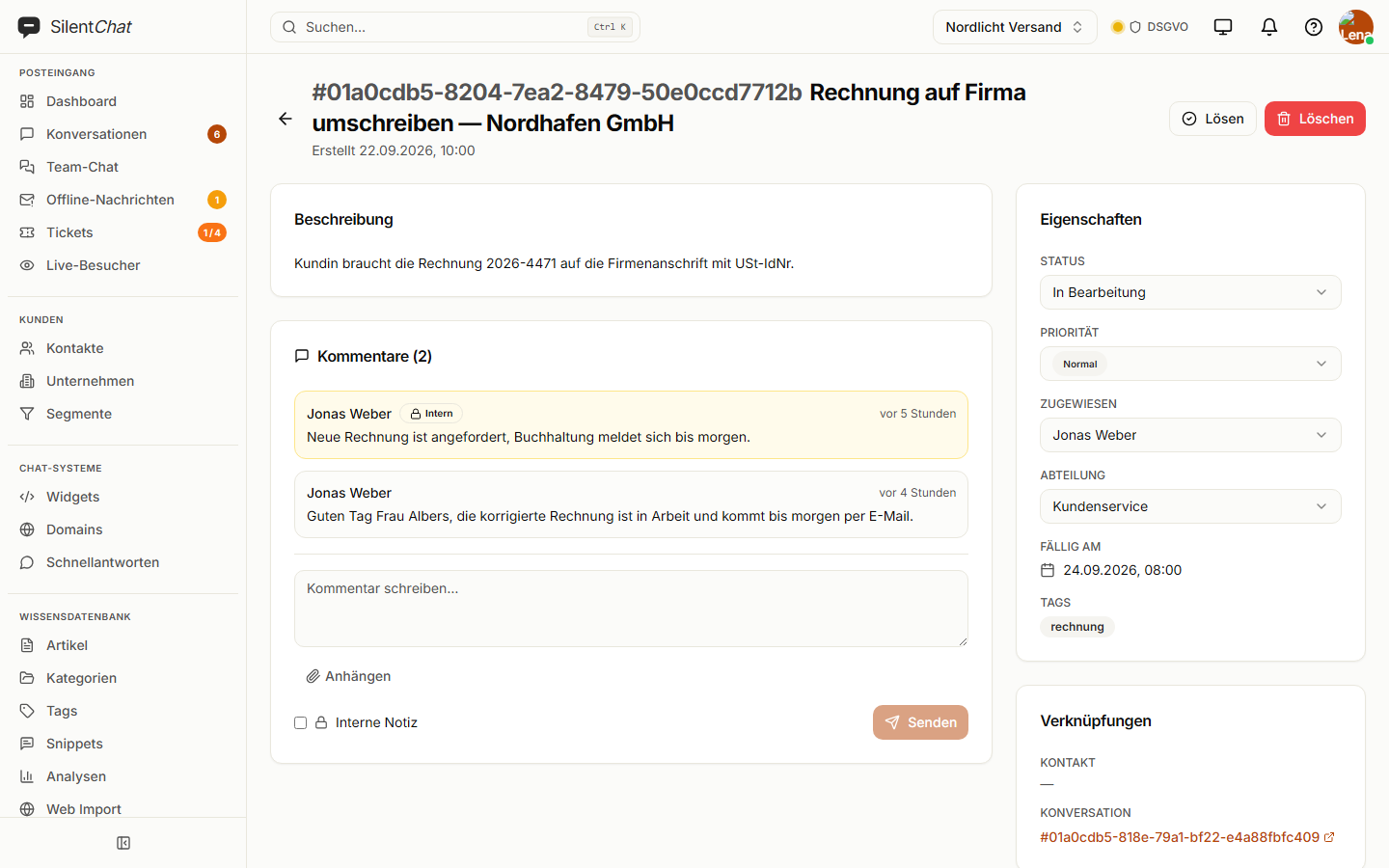
SilentChat's ticketing system keeps track of what can't be solved in the chat right away. A ticket is created from the conversation with one click or by a workflow and carries priority, due date, department and assignee. SLA policies watch response and resolution times; in the customer portal, your customers see their tickets and reply there.
From conversation to solved ticket
A question takes longer
Reissue an invoice, sort out an exchange, work out a quote.
The chat becomes a ticket
With one click, or a workflow creates it — the chat history stays linked.
Deadline and ownership
Priority, due date, department; the SLA policy shows when it's getting tight.
The customer stays informed
Public comments reach them by email, and the portal shows the status.
What it takes off your team's plate
The sticky note next to the keyboard
What can't be done right away becomes a ticket with a deadline — not a note that gets lost.
Asking “who's on this?”
Every ticket has an assignee and a department.
Chasing by phone
Customers see in the portal how far their request has come and get replies by email.
What it looks like
SLA policies
Per priority, you set when the first response and when the resolution is due. Custom statuses can pause the clock, for example “waiting for customer”.
Customer portal
Your customers sign in with a link sent by email, see their tickets, create new ones, comment and attach files — on your own domain if you like.
Email in the same inbox
Incoming emails land in the inbox as conversations. Replies go back by email, and the customer's response joins the same thread.
Data protection in ticketing
Tickets, comments and attachments are stored with SilentChat in Germany (Hetzner). Customers never see internal notes, neither in the portal nor by email.
Signing in to the customer portal needs no password: the customer receives a sign-in link at their email address.
Read more in: Data processing agreement · Technical and organisational measures · All facts at a glance
Frequently asked questions
When the answer can't be finished in the conversation: an invoice that needs reissuing, an exchange, a quote. The ticket keeps track of deadline and owner, and the chat stays linked.
Yes, in the customer portal. They sign in by link, see the status, reply and attach files. They never see your team's internal notes.
Yes. Per priority, you set deadlines for the first response and for the resolution. Custom statuses such as “waiting for customer” can pause the deadline.
Yes. Incoming emails land in the inbox as conversations, and your replies go back by email. Public comments on a ticket also reach the customer by email.
No, not currently. Conversations in the inbox can be merged before they become a ticket.
Goes well with
Last updated: 23 September 2026
Chat and tickets in one tool
See how a conversation becomes a ticket with one click.