Live chat with one inbox for the whole team
Visitors ask on your website, your team answers in real time. Everything that comes in sits in one list — sorted by what has been waiting longest.
In short
With SilentChat's live chat, your team answers questions from website visitors in real time. Conversations land in a shared inbox and can be assigned, handed over to a department or merged. Internal notes, canned responses, file sharing and a team chat for questions between colleagues are included — in the browser and on your phone.
From click to answer
Visitor writes
In the chat window on your website, no sign-in needed.
The conversation is routed
Manually, round robin or to whoever is least busy.
Your team answers
With canned responses, files and notes the visitor never sees.
Closing with a rating
After the conversation, the visitor gives up to five stars.
What it takes off your team's plate
Searching for open conversations
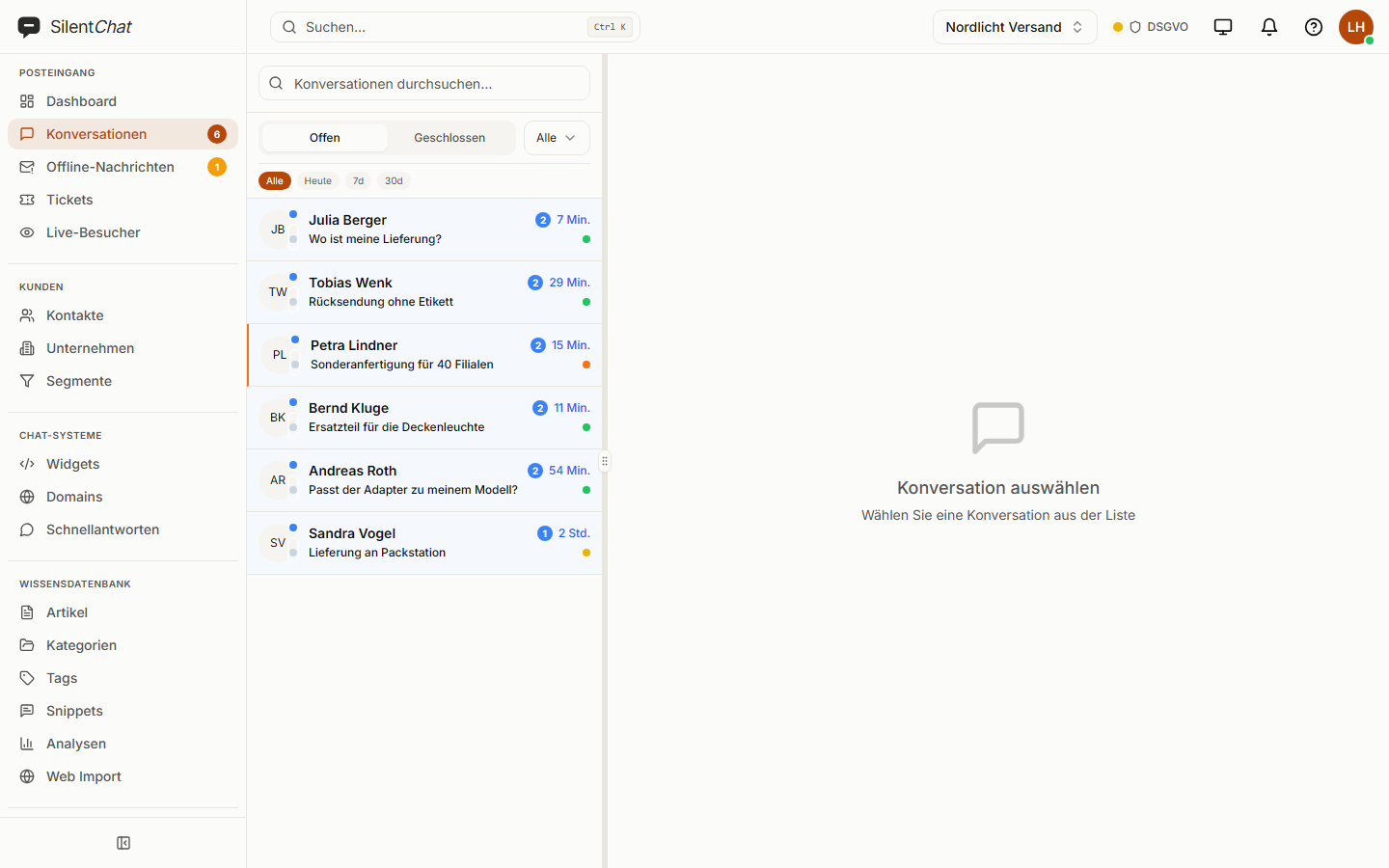
Chats, offline messages and tickets sit in one list, and the counters show what's waiting.
Typing the same thing twice
Pull recurring answers into the input field with “/” and a shortcut.
Passing things on by shouting across the room
Hand over to a colleague or a department, with the full history — including what the AI said.
What it looks like
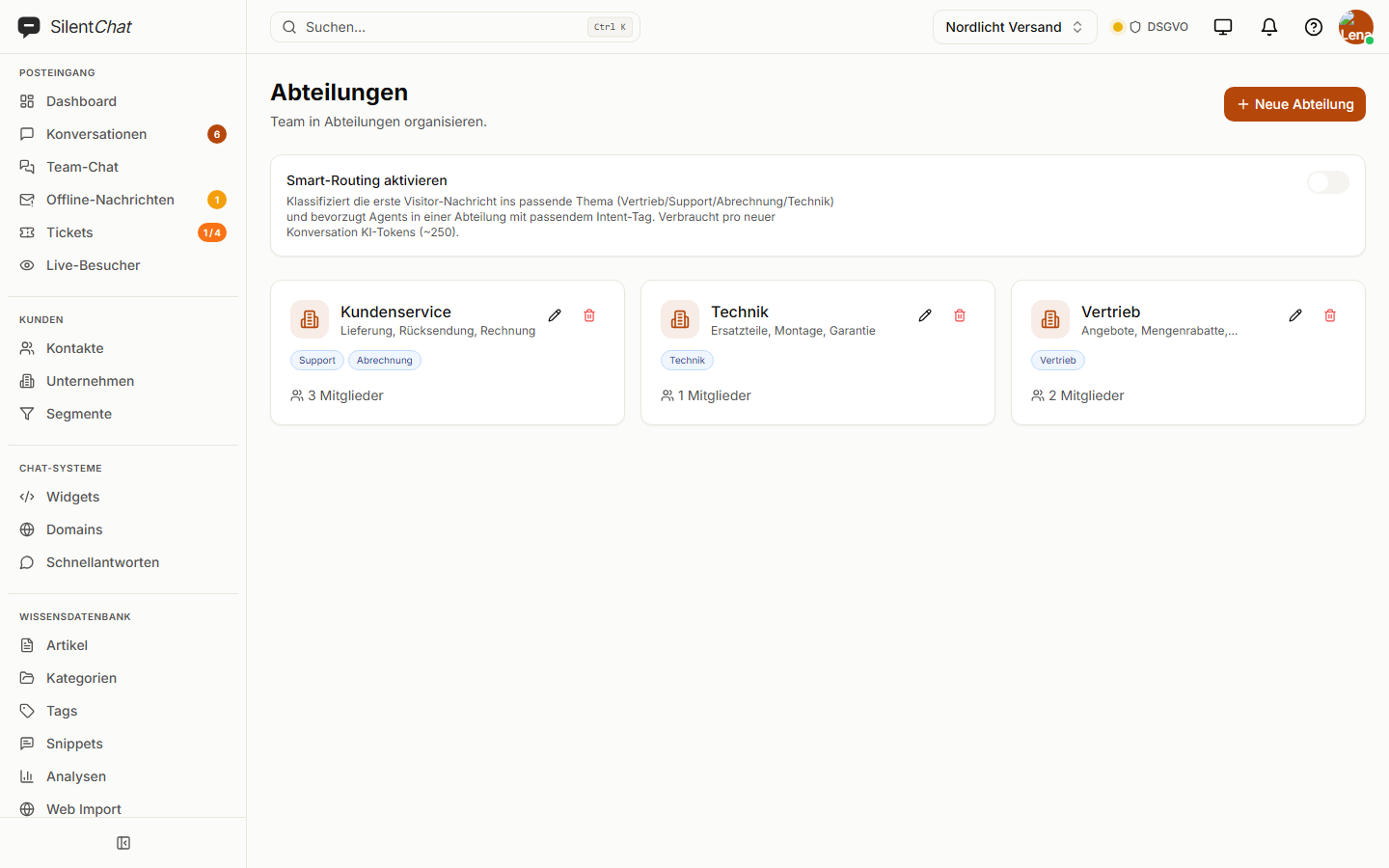
Departments & routing
Sales, technical, billing: conversations go to the responsible group — manually, round robin or by workload. Smart routing uses AI to assign the first message to a topic.
Included from GrowthTeam chat
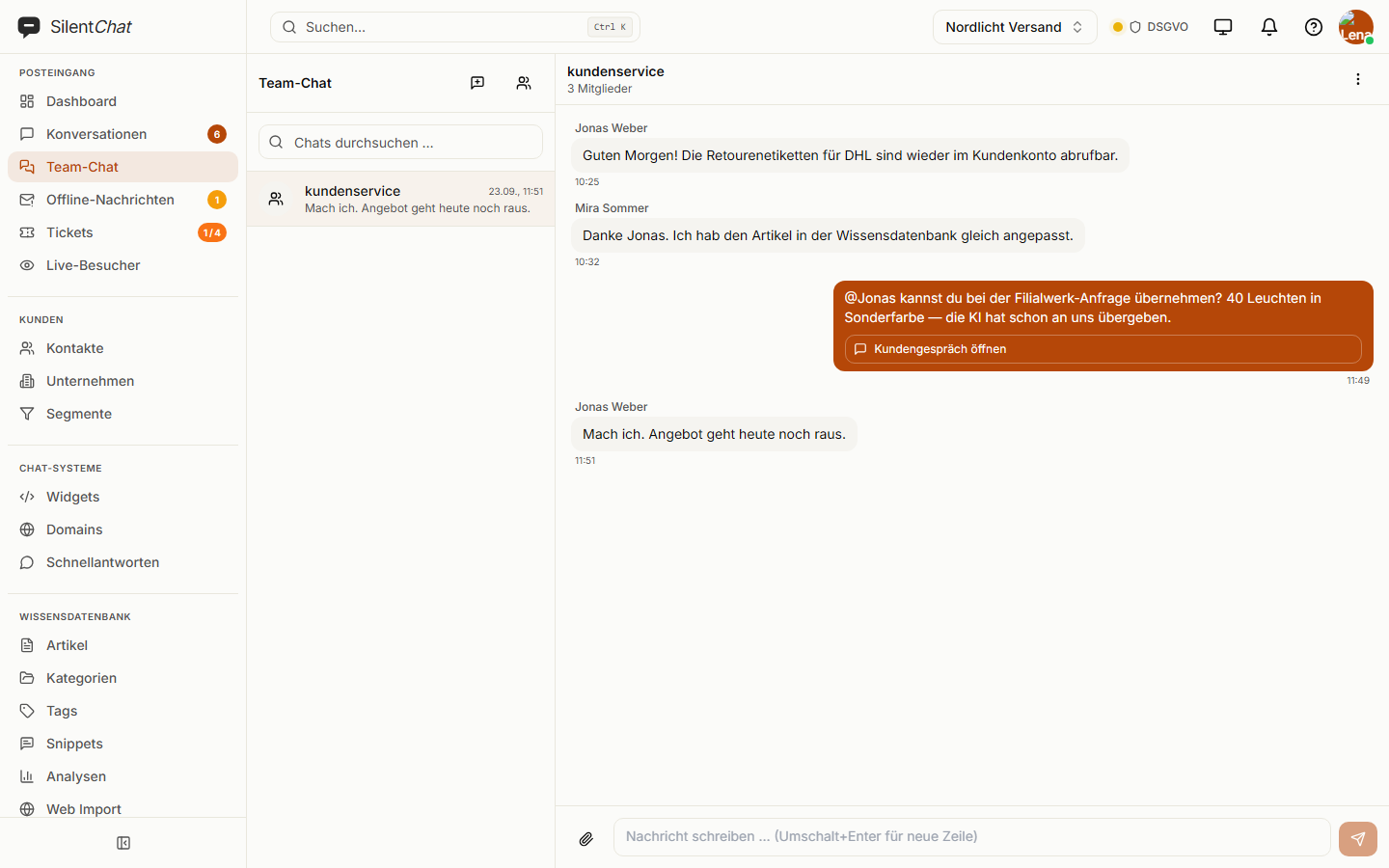
Direct messages and groups with @mentions and files. A message can link to a customer conversation; only the recipient sees a direct message.
Included from StarterFiles in the chat
Screenshot, invoice, receipt: common image, PDF and Office formats plus ZIP are allowed. You decide per widget whether visitors may send files.
Included from StarterEmoji reactions
A quick sign instead of a reply — for conversations that would otherwise end with “Thanks!”.
Included in every planData protection and live chat
Conversations and files are stored with SilentChat in Germany (Hetzner). You decide how long they are kept in the data retention settings.
A preview of what the visitor is typing can be switched off per widget and is off by default. Visitors, in turn, never see what your team writes before it is sent.
Read more in: Data processing agreement · Technical and organisational measures · All facts at a glance
Frequently asked questions
Manually, round robin or to the person with the fewest open conversations. With departments, conversations also go to the responsible group.
Yes. The dashboard runs in your phone's browser and can be added to the home screen like an app. New messages arrive as browser notifications.
No. Your team, in turn, can see what the visitor is typing if you switch on this preview per widget — it is off by default.
Images (JPG, PNG, GIF, WebP), PDF, text and CSV files, Word and Excel documents and ZIP archives — provided you've allowed files for the widget.
That depends on the plan; the pricing page lists how many seats each plan includes. Enterprise has no limit.
Goes well with
Last updated: 23 September 2026
Set up the chat in a few minutes
One line on your website, and the first question lands in your inbox.